
Twilio CRM with Pipelines and Booking Calendars
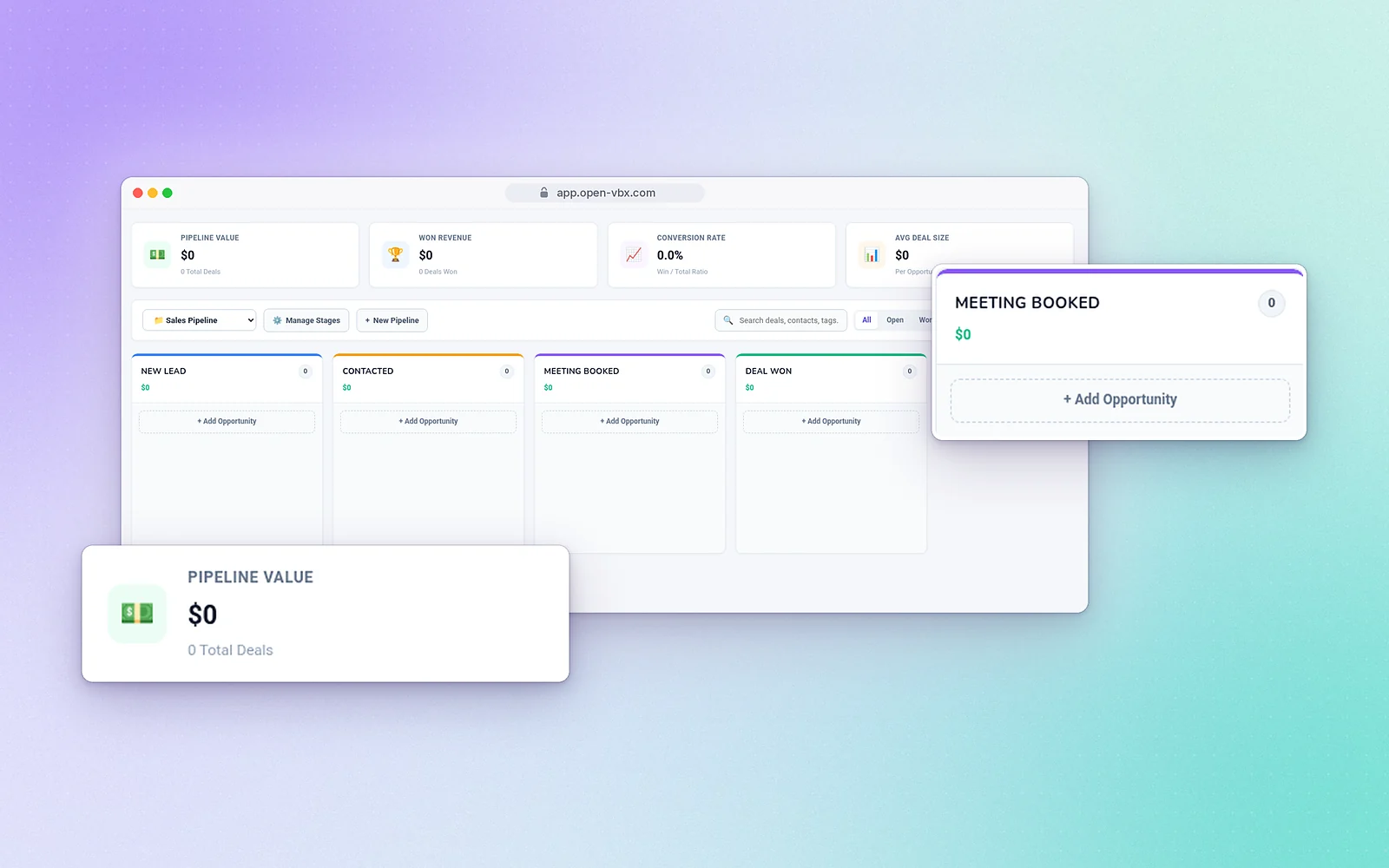
See every deal at a glance
Contacts
Import from CSV
Bring in your existing list.
Groups and tags
Segment contacts for campaigns and follow-up.
Team roles
Admin, Manager, Agent and Viewer roles, with login activity.
Capture leads without a web developer
Let customers book time with you
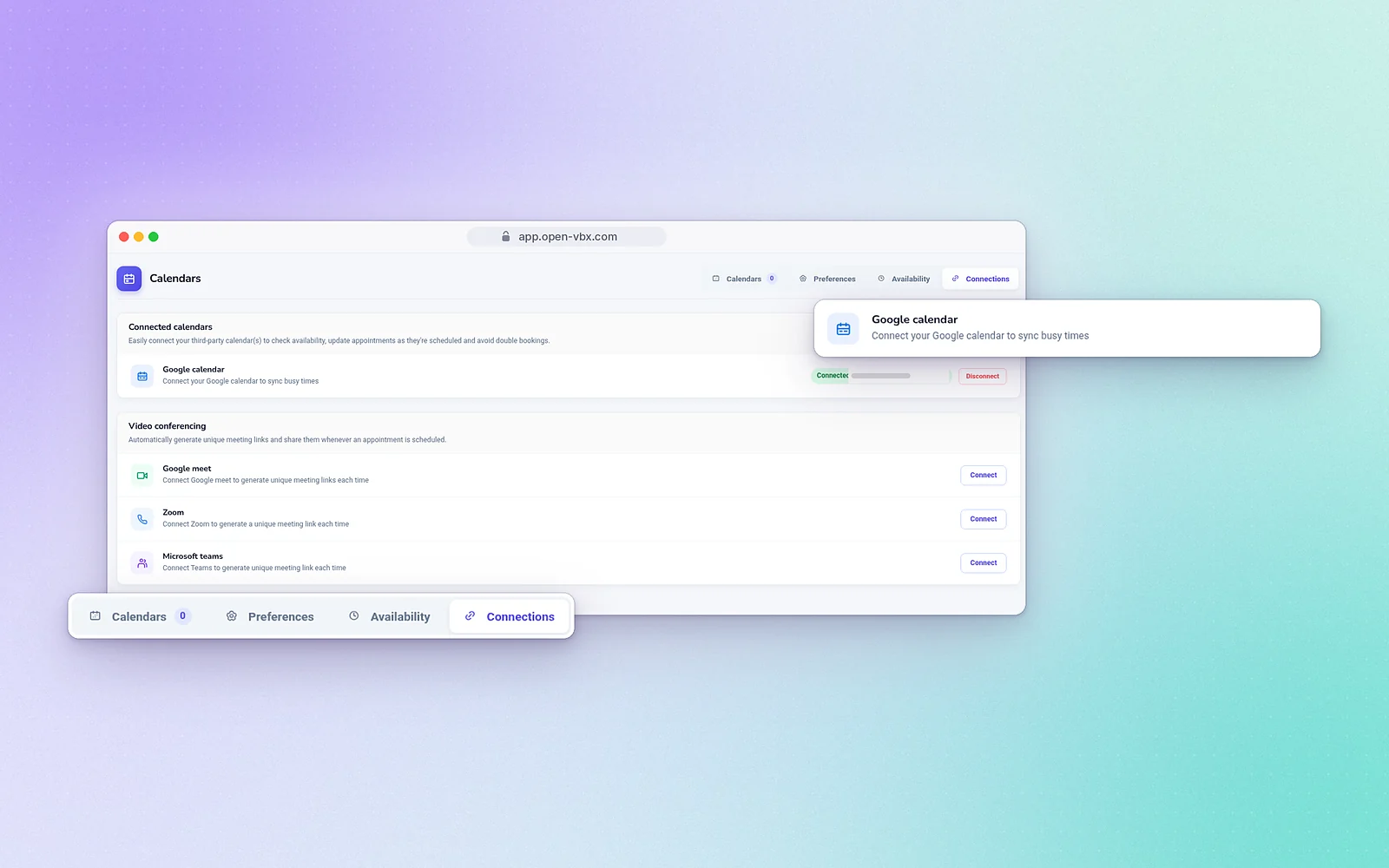
Share a booking calendar that syncs with Google Calendar and adds Google Meet, Zoom or Microsoft Teams meeting links. Reminders go out automatically, and AI bookings let the voice agent book during a call. Calendar bookings are included on every plan, from Connect Starter up.
How OpenVBX CRM and bookings work, step by step
- Connect your Twilio account. OpenVBX runs on your own Twilio account, so your numbers, calls and texts stay on the account you already own. Twilio bills calls and texts separately from your OpenVBX plan.
- Bring in your contacts. Import your existing list from a CSV file. Then sort contacts into groups and tags so the right people get the right follow-up.
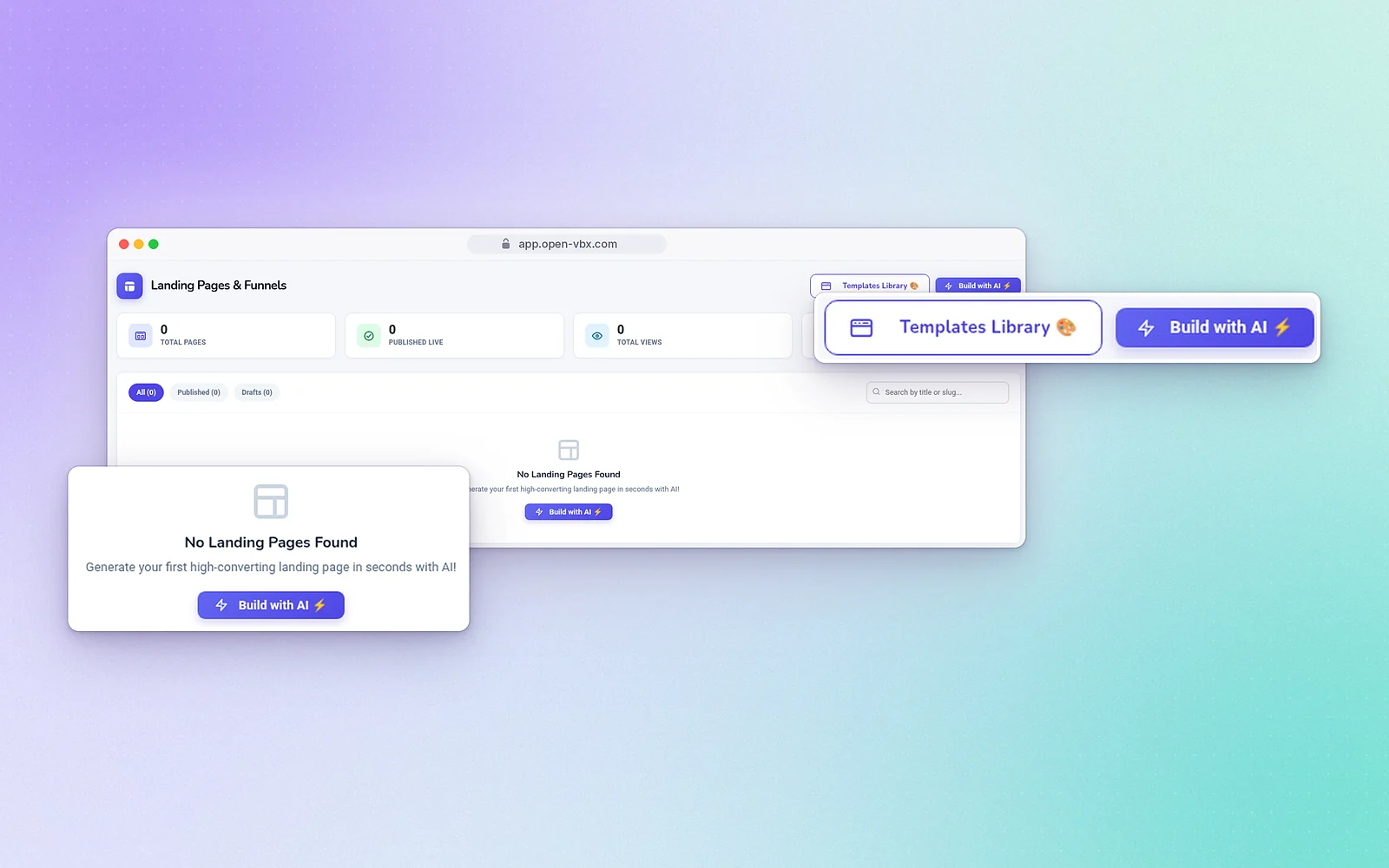
- Capture new leads. Build a form with the form builder, or launch a landing page from a template or with the AI landing page builder. New leads land in your CRM, so nobody has to copy them over from email.
- Track every deal in a pipeline. Move opportunities from New Lead to Contacted, Meeting Booked and Deal Won. Each contact’s calls and texts sit next to the deal, so anyone on the team can pick up where a colleague left off.
- Share your booking calendar. Your calendar syncs with Google Calendar and can add a Google Meet, Zoom or Microsoft Teams link to each meeting. Reminders go out automatically.
- Let automations and AI fill the gaps. Missed-call text-back texts callers you couldn’t answer, so the lead doesn’t go cold. With AI bookings, the AI voice agent can book a time during the call.
CRM and bookings for real estate, clinics and loan companies
Real estate teams
Send buyers and sellers from a listing landing page straight into your pipeline. Use tags to keep buyers, sellers and past clients apart. Then let people book a viewing or a valuation call on your shared calendar. Each agent gets their own login, with Admin, Manager, Agent and Viewer roles. See OpenVBX for real estate.
Clinics and healthcare practices
Patients can book appointments from your booking calendar, which syncs with the practice’s Google Calendar. Automatic reminders help cut down on no-shows. When the front desk is busy or the office is closed, the AI voice agent can answer and book during the call. Read how this works in AI receptionist for a medical office, or see OpenVBX for clinics.
Loan companies
Use pipeline stages to follow each application from first inquiry to closed deal. Offer consultation slots with a Zoom, Google Meet or Microsoft Teams link added automatically. Groups and tags let you follow up with each type of borrower separately. See OpenVBX for loan companies.
One place for calls, texts, deals and meetings
Most small teams keep calls in one tool, texts in another and deals in a spreadsheet. In OpenVBX they are all in the same place. Your team can call from the web dialer or the Android app (there is no iOS app), reply to texts in the two-way inbox, and update the deal in the same system. Automations take care of follow-ups and reminders. OpenVBX also connects with Google Calendar, Google Meet, Zoom, Microsoft Teams, Gmail, Mailchimp, Brevo and Mailgun.
Every plan includes booking calendars, from Connect Starter ($99/month) up. CRM pipelines, forms and landing pages start at Engage Pro ($149/month). Command Elite is $199/month and AI Ultimate is $249/month. Every plan comes with a 7-day free trial, and no credit card is needed. Compare plans.
Frequently asked questions
Yes. It includes contacts, groups, tags, sales pipelines with opportunities, and revenue and conversion metrics.
Yes. Booking calendars sync with Google Calendar and can add Google Meet, Zoom or Microsoft Teams links.
Yes, from a CSV file.
Yes, from templates or with the AI landing page builder.
Not today. OpenVBX has its own built-in CRM. CRM integrations are on our roadmap.
Yes. With AI bookings, the AI voice agent can book a time on your calendar during a call. The AI voice agent is part of the AI Ultimate plan.
A booking can automatically include a Google Meet, Zoom or Microsoft Teams link.
Yes. Every plan has a 7-day free trial, and no credit card is needed. Twilio bills your calls and texts separately.
Our team offers support by email, phone and chat.